Developer Console
The Jest Developer Console is the primary dashboard for building and operating apps on the Jest platform.
From here, you can create apps, publish builds, configure monetization, manage your team, and monitor performance.
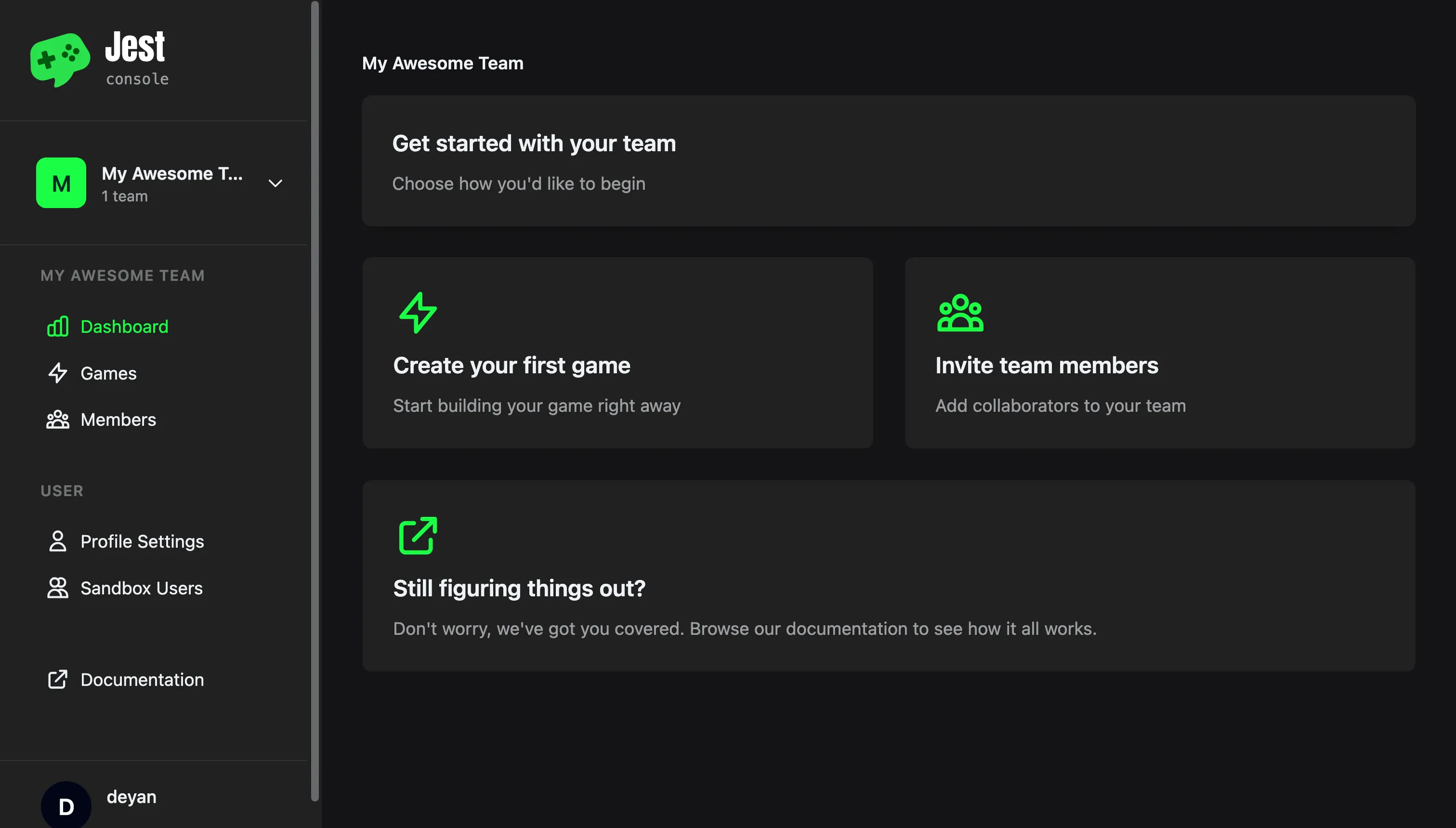
The Jest Developer Console
Getting around
A few things work the same everywhere in the console:
- Switch teams with the team picker at the top of the left-hand navigation. Everything below it — apps, members, earnings — follows the team you pick.
- Jump to anything with the command palette: press
Cmd + K(Ctrl + Kon Windows) to search your team's apps and the console's pages, and to run common actions. Searching across teams, and searching users, is reserved for Jest staff. - Switch how dates read with Absolute dates in the user menu. Timestamps flip between relative ("3 days ago") and exact, and hovering one shows the other form. Live readouts such as the Simulator's session log, and month labels such as "September 2026", are not affected.
App sections
Open an app from Apps in the left-hand navigation. Overview shows the app's current details — description, publisher, support email, category, and onboarding destination. The remaining tabs are grouped into Manage, Tools, and Insights.
Manage
- Edit App — name, description, orientation, support email, and how the app appears on the platform.
- Versions — upload builds, activate a version, and preview one before you release it.
- Asset Library — upload and manage the images your notifications use, plus ad creatives.
- Products — configure one-off in-app purchases.
- Subscriptions — configure recurring subscriptions, trials, and offers.
- Secrets — the shared secret and upload token your app server and build pipeline use.
Tools
- User Feedback — bug reports and suggestions users wrote about your app in Jest chat.
- User Lookup — inspect an individual user's app state for customer support.
Insights
- Analytics — daily active users, new users, retention, subscriptions, paying users, and trial conversion.
- Events — moderation decisions and the SDK error log for your app.
- Financials — product sales and subscription payments for the app, with the transactions behind them.
Submitting an app to Jest runs through these sections too: see submit an app for review.
Team sections
Each team has its own section in the left-hand navigation. Use the team picker at the top to switch between teams.
- Dashboard — the team's landing page: how many apps and members it has, with links into those and into earnings.
- Apps — every app the team owns, and where you create a new one.
- Ads Manager — set up Jest Ads campaigns and read their reporting. Admins only.
- Members — invite developers, assign roles, and manage access.
- Team Settings — your legal details, the status of the agreements your team has signed, and the attribution link to use in paid user acquisition campaigns.
- Earnings — earnings by app, payouts, and monthly statements. Open it from the team Dashboard.
Tools
The left-hand navigation also carries a Tools group, shared across every team you belong to.
- Simulator — run an uploaded build or a local URL against a mocked SDK host, work through the launch checklist, and record a self-review.
- MCP — connect an AI assistant to the console so it can work with your apps from your editor.
Your account
Under User at the bottom of the left-hand navigation:
- Profile Settings — your account details and the emails Jest sends you.
- Sandbox users — test accounts for exercising an uploaded build end to end.